
- June 6, 2022
- 3DParts4U
- 0
You can create bodies and parts in FreeCAD. With bodies and parts, you can also assemble in FreeCAD, instead of using a specific assembly workbench. This all works with the Part Design workbench in FreeCAD.
When you create a new sketch in the Part Design workbench, a new body will be created automatically. Features you add to this sketch later, will also be placed inside this body. After you create an object inside this (first) body, it’s possible to create another body. Objects you create inside this new body, will stay here. So multiple bodies can act as assemblies in a larger object.
I think bodies and parts are a great way to make simple assemblies in one document. Check out my videos on the AllVisuals4U channel to learn more about FreeCAD! I’ve been uploading a lot of tutorials there.
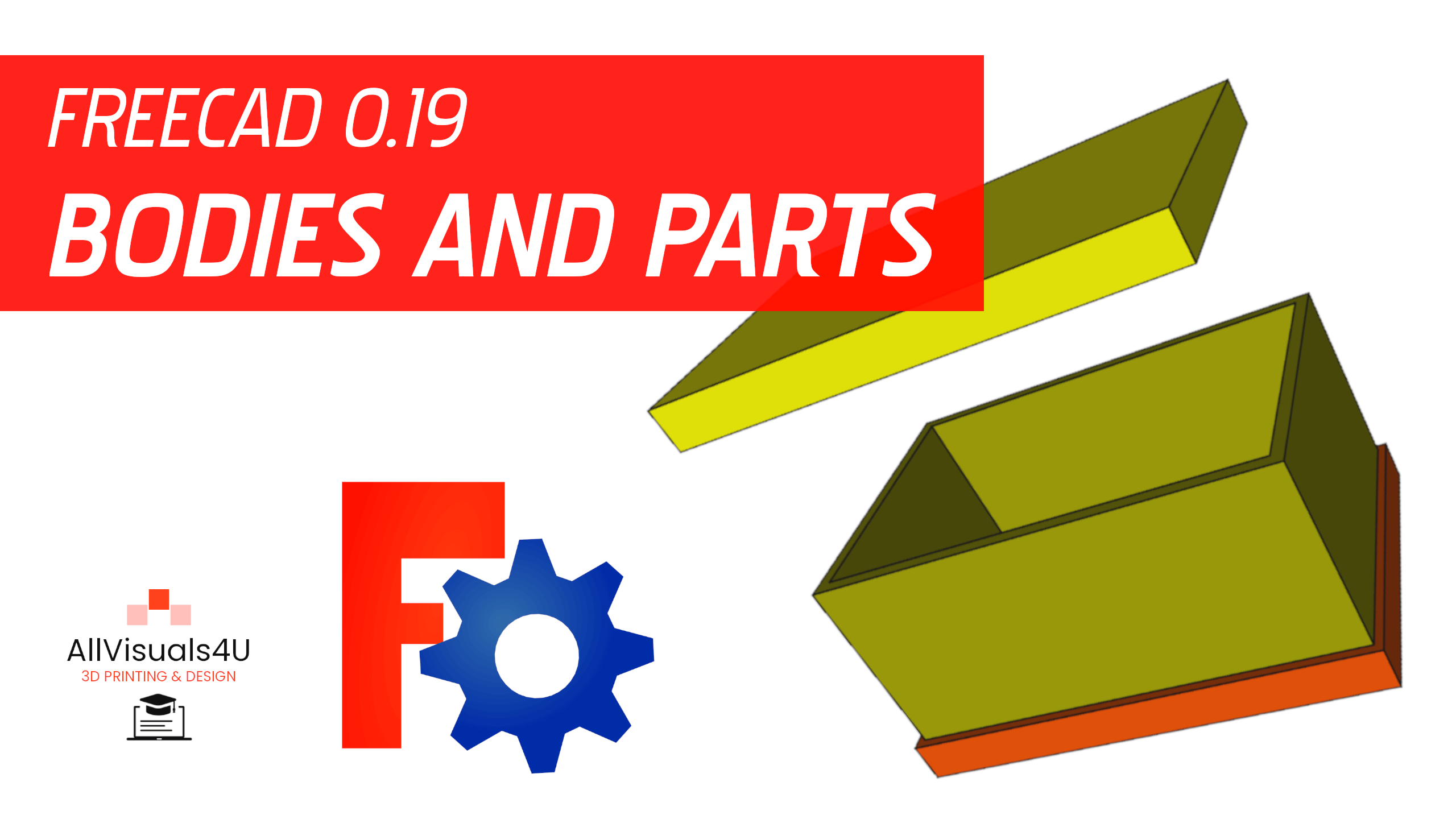
In addition to bodies, you can also create parts. Then you can group multiple bodies inside (multiple) parts. I made a video where i demonstrate how bodies and parts can work together. The box and one lid act as one assembly inside a part in this video. Just click on it to watch the video!
A video where i demonstrate bodies and parts in FreeCAD
So there are multiple ways to assemble in FreeCAD. I think bodies and parts are a great way to make simple assemblies in one document. Want to see more? Check out my other videos on the AllVisuals4U channel to learn more about FreeCAD. I’ve been uploading a lot of tutorials there. Thank you!